Approve the expected message
Record the authorised date, batch or format source, recipe selection and permissions. Define the response to absent or stale expected data before normal production.

Use OCV to confirm a known date, batch, lot or product string is present and acceptably formed on every product.
OCV compares a printed message with an expected value. Define who approves that value and how the active job reaches inspection, then test readable wrong content separately from missing or unreadable print. A match to the same incorrect value sent to the printer does not independently check the production rule.
Record the authorised date, batch or format source, recipe selection and permissions. Define the response to absent or stale expected data before normal production.
Use representative acceptable, marginal and failed characters. Agree controlled position and appearance tolerances rather than treating the OCV method name as evidence of suitability.
Include the final old-job pack, first new-job pack, a pause and printer restart. Define the job for packs already between printing, inspection and rejection, and retain the agreed decision and reject outcome.
For the next step, compare OCR and OCV tasks and plan tracking and reject confirmation.
OCV checks that each printed character resembles the expected character in the expected position. It is a strong choice for recipe-controlled messages where the system already knows exactly what the printer should produce.
Verify the physical print against a value supplied by the recipe or line controls.
Identify substituted, missing, merged or malformed characters within the string.
Allow controlled movement while rejecting a message printed outside its approved zone.
Apply a consistent similarity or feature threshold to every inspected code.
Because the expected content is known, OCV can concentrate on confirming the printed appearance rather than recognising an unrestricted character set.
Tie the expected printed value directly to the active product or production order.
Show which character or region failed to match the approved expectation.
Verify known content quickly within a tightly controlled code window.
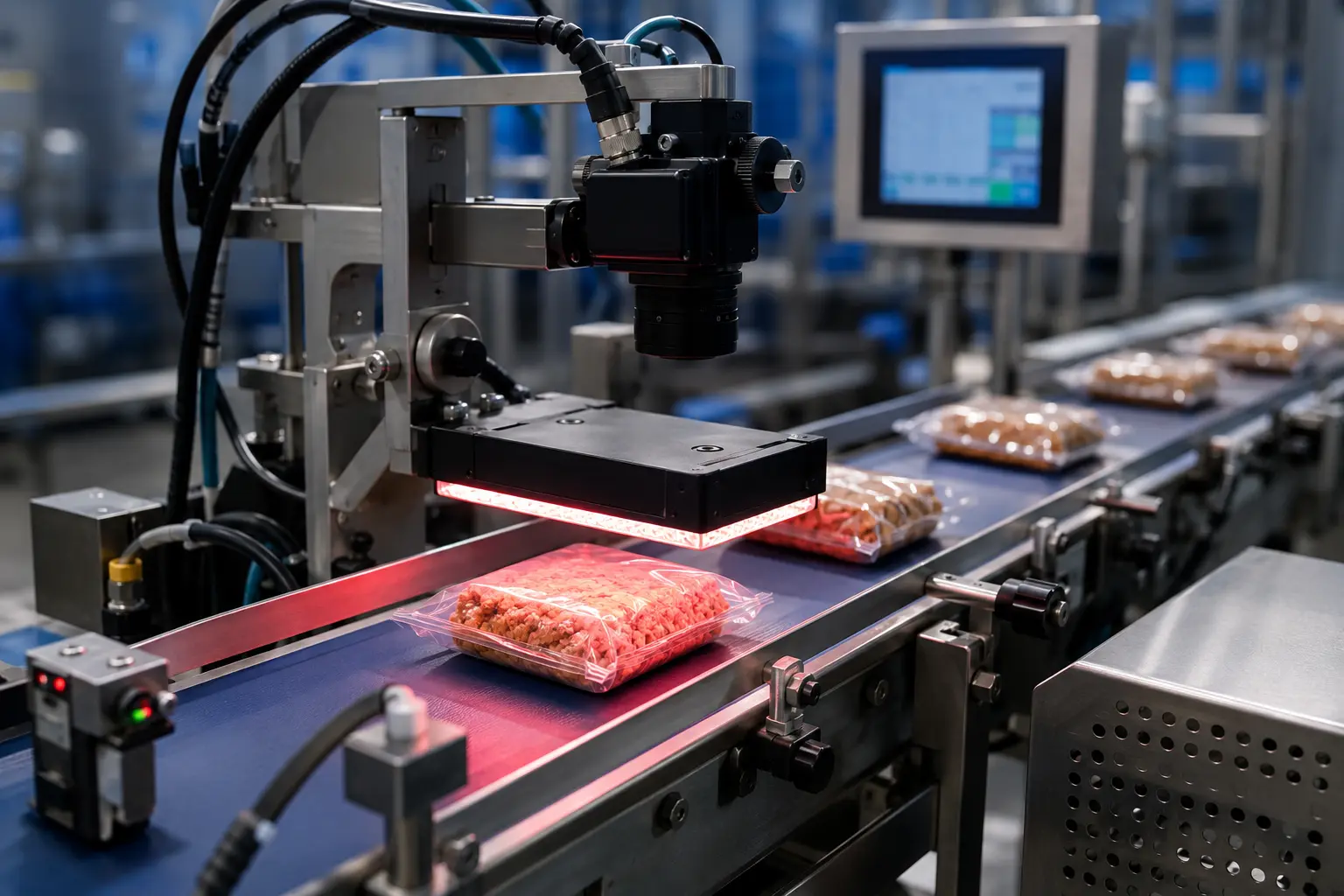
The expected value can be entered in a protected recipe, selected with a production barcode or exchanged with a PLC or database. We define the handshaking and error states so an absent or stale value cannot silently authorise production.
Combine the inspection with complementary print, data or reject checks where they reduce the risk of a non-conforming pack reaching the customer.
Every inspection begins with real samples, representative print and the operating conditions found on your production line.
OCV is often preferred when the correct content is already known and the task is to confirm its printed appearance. OCR is needed when the system must determine an unknown string.
Yes. The expected date can be updated through a controlled recipe or data interface, after which each physical print is compared with that current value.
Yes. Matching tolerance is established around representative acceptable print while known defects are used to ensure the setting rejects meaningful failures.
Show us the expected-message source, all printed formats and normal process variation. We will define the OCV approach.