Variable-string reading
Capture changing letters, numbers and permitted symbols from every inspected product.
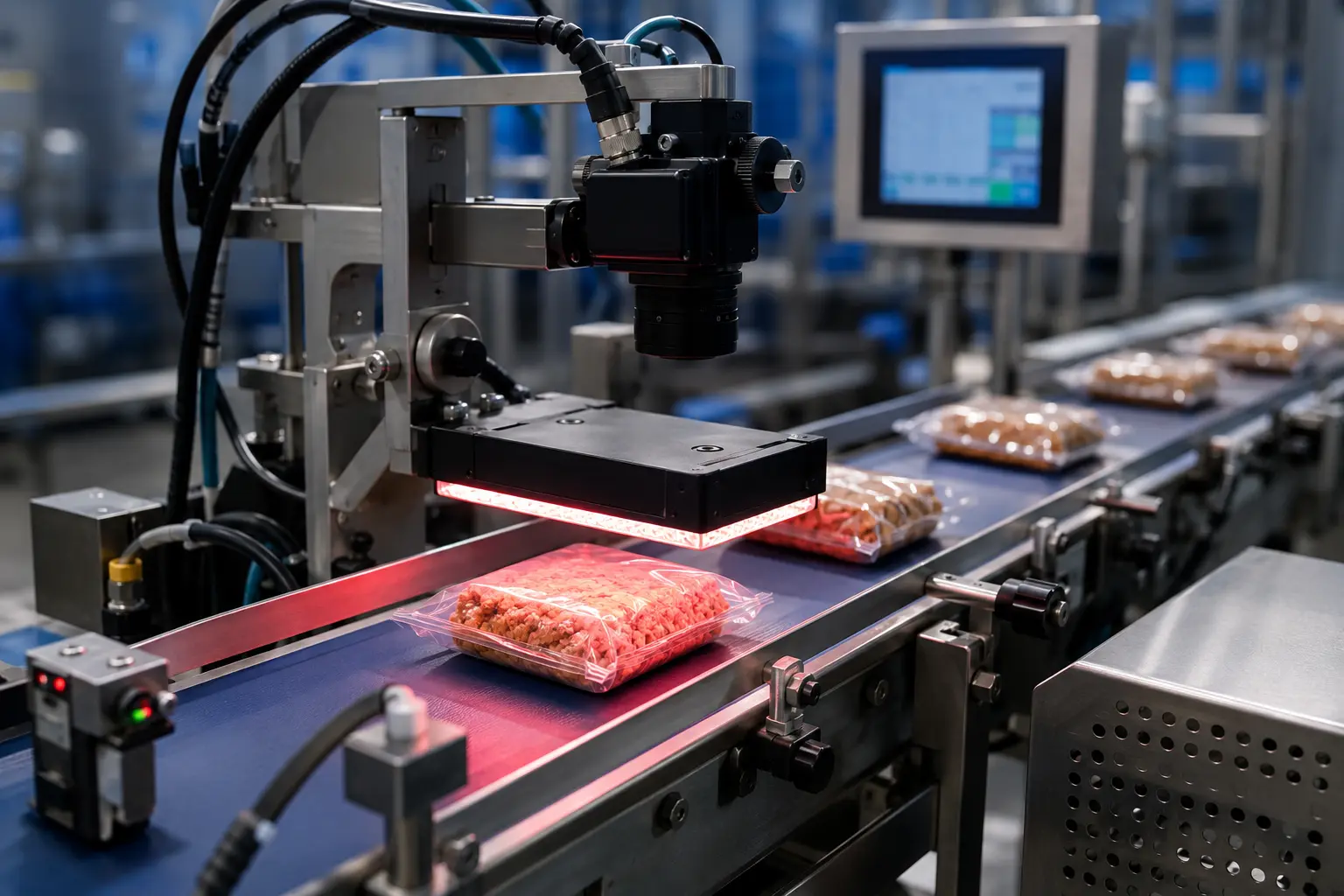
Use optical character recognition to capture changing date, batch and lot strings, then compare the result with the information authorised for the active job.
OCR determines which characters are present when the printed string is not fixed in advance. It is ideal for reading genuinely variable information before applying date logic, database comparison, logging or product-to-code matching.
Capture changing letters, numbers and permitted symbols from every inspected product.
Compare the OCR result with a recipe, PLC value, database record or production-order scan.
Check string length, position, separators and the allowed character set.
Reject a result when the system cannot identify the printed content with sufficient confidence.
Once characters are read, the line can validate logic, match records, store results and respond differently to missing, incorrect or low-confidence codes.
Recognise genuinely variable strings instead of comparing only with a taught image.
Validate dates, prefixes, lengths and permitted combinations after recognition.
Send captured data and pass/fail states to line controls or authorised systems.
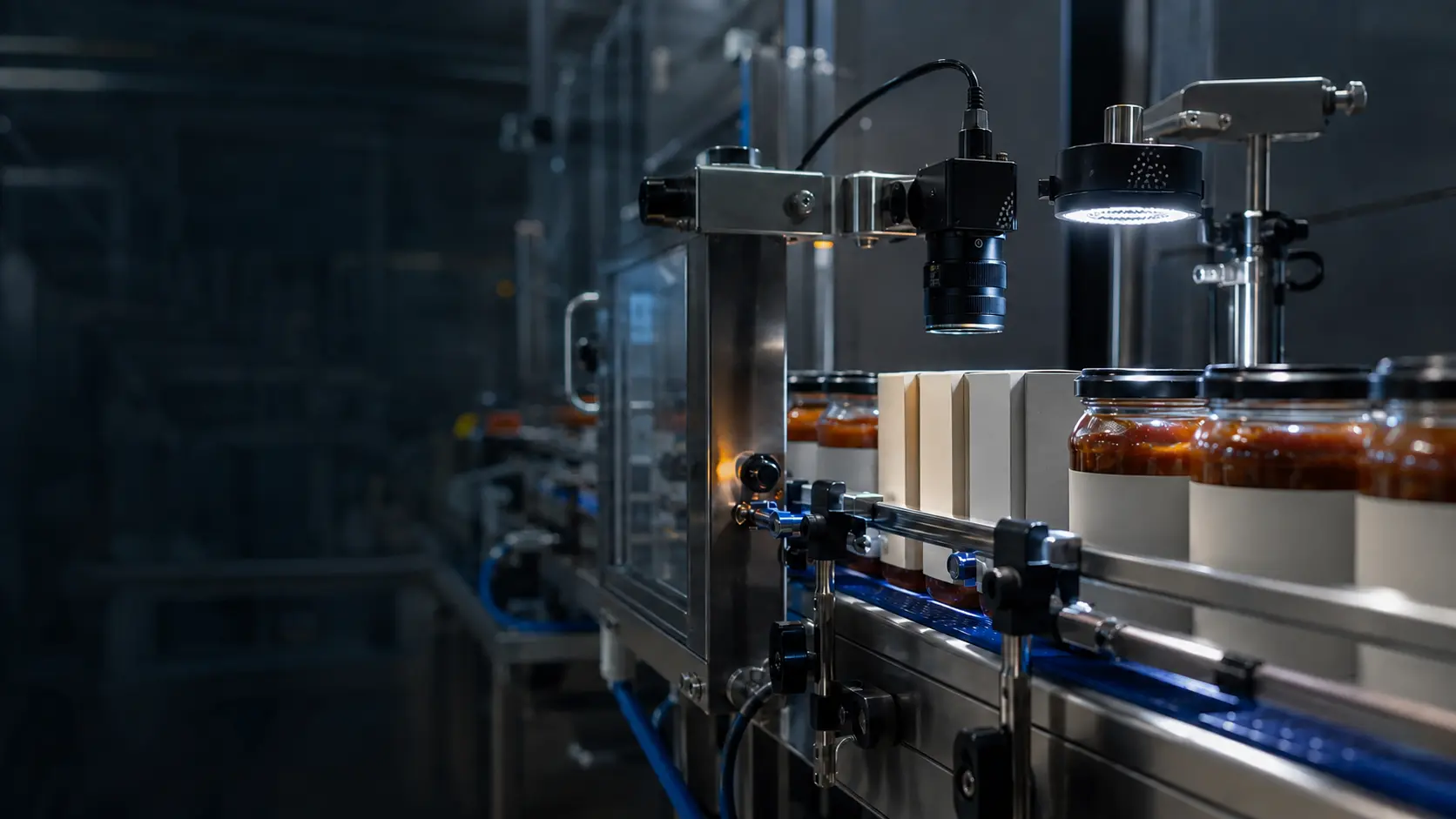
OCR reliability depends on image resolution, focus, contrast and the range of approved character appearances. We calculate the field of view around the smallest feature that must be distinguished and stabilise the product so the code stays inspectable.
Combine the inspection with complementary print, data or reject checks where they reduce the risk of a non-conforming pack reaching the customer.
Every inspection begins with real samples, representative print and the operating conditions found on your production line.
OCR identifies which characters are present when the content may be unknown. OCV compares visible characters with a known expected string or taught reference. The best method depends on how variable the message is.
Yes, provided the camera resolution, print quality and font variation allow reliable recognition. Training or font-specific tools may be used, and real degraded samples are important for setting limits.
Yes. Depending on the required architecture, the captured string, pass/fail result, timestamp and image can be transmitted or stored with appropriate data-retention rules.
Supply every legitimate font and format, plus marginal and failed samples. We will assess recognition confidence and false-reject risk.
Define the expected code content, location and acceptable print condition for each product. Clarify whether the task is reading variable text, comparing against an expected value or checking presence. The system also needs a controlled way to receive the correct product data and respond to a failed inspection.
Related guidance: System guide · Retrofit inspection