Record the batch authority
Identify the approved production value and whether a recipe, scanner, PLC or database provides it. Define job-selection validation and the response when the expected data is unavailable or stale.
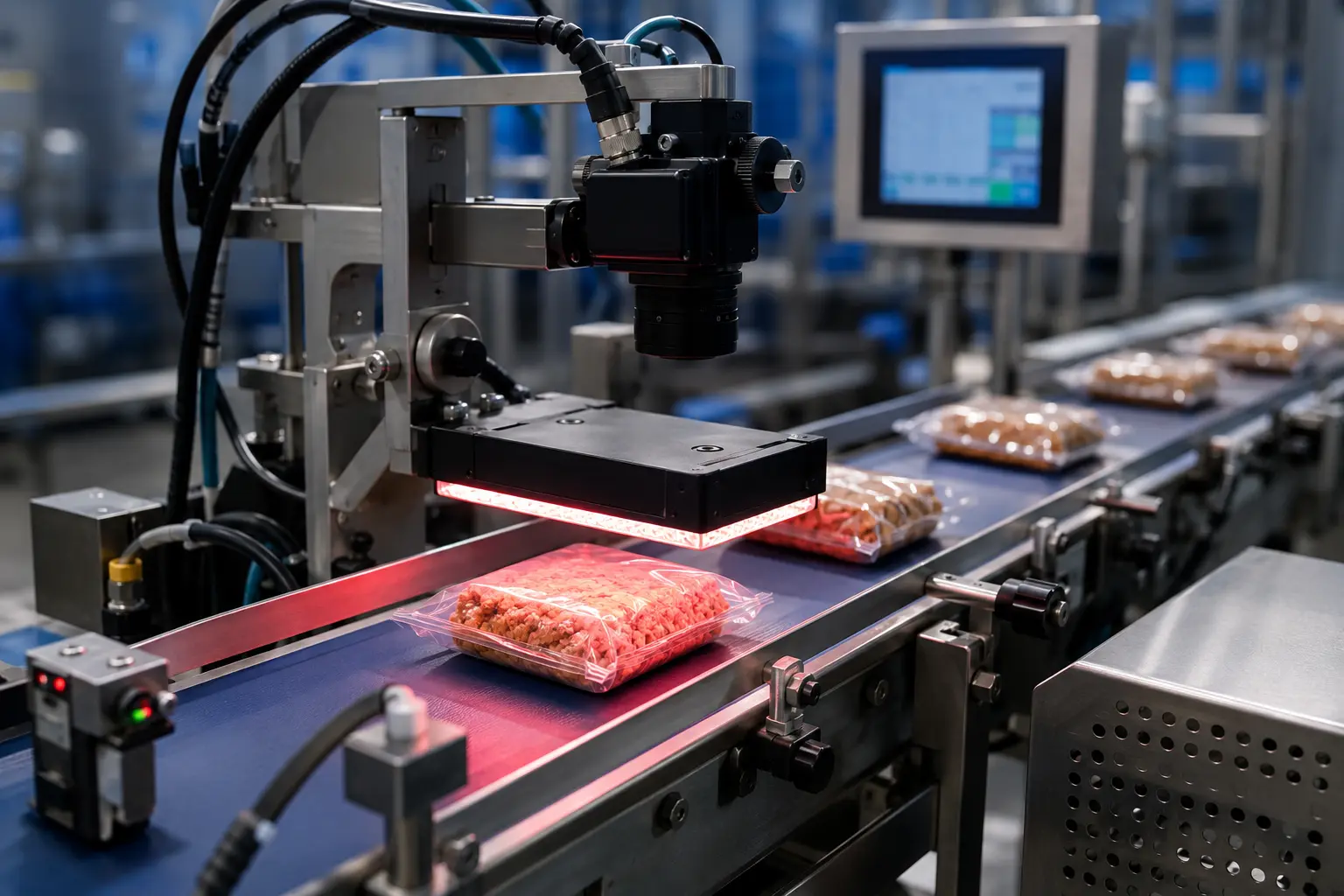
Inspect variable batch codes in real time, compare the captured string with the current job and reject products that cannot be positively verified.
Start with the authorised batch value and the rule linking it to the active product or order. Test a readable wrong batch separately from missing or unreadable print. Include the final old-job pack, first new-job pack, pauses and printer restart, with a defined batch decision for packs already between printing, inspection and rejection.
Identify the approved production value and whether a recipe, scanner, PLC or database provides it. Define job-selection validation and the response when the expected data is unavailable or stale.
Provide every legitimate format, string length, delimiter and printer/font variation. Agree the actual OCR or OCV task and challenge acceptable, marginal and failed print with representative samples.
Test the decision with product tracking and removal, including closely spaced failures. Keep observed and expected values, job reference and reject result where the agreed records scope requires them.
For the next step, review known-string verification and prepare the complete inspection brief.
A simple contrast sensor can indicate that ink exists, but it cannot prove the printed batch is correct. Oxford Vision Systems applies OCR, OCV or pattern-based tools to read the defined field and compare it with authorised production data.
Capture letters, numbers and permitted symbols within a defined printed region.
Verify the result against a PLC, HMI recipe, database or scanned production order.
Identify missing, substituted, merged or malformed characters that change the batch identity.
Create configurable records linking inspection status with time, product and batch.
Automatic verification reduces the risk that a stale printer message or incorrect manual entry carries the wrong batch code into a new run.
Compare the physical print with the batch value authorised for the active order.
Protect the accuracy of batch information used for downstream traceability and investigation.
Use the same programmed validation logic from the first product to the last.
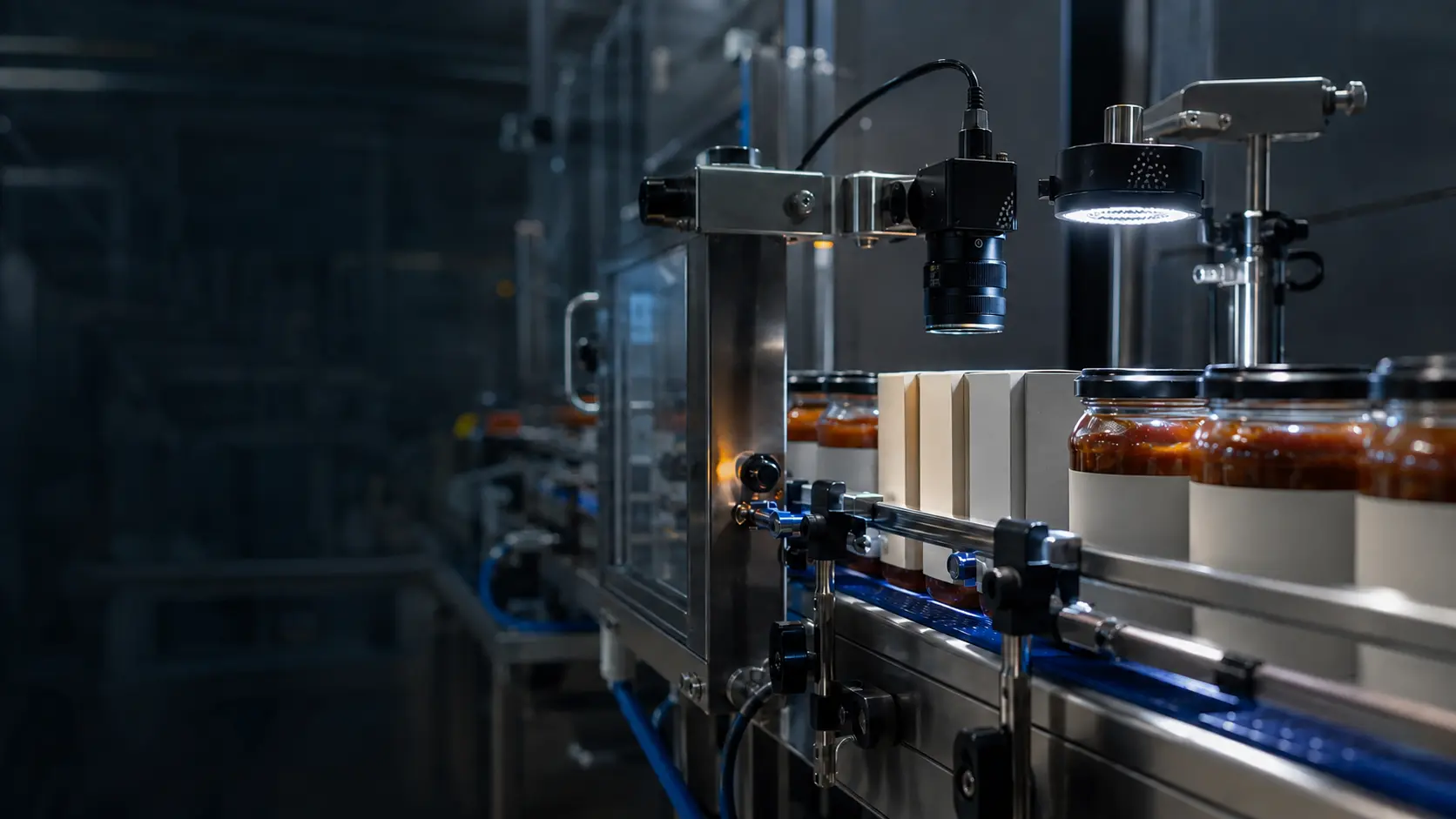
OCR is suited to reading an unknown string; OCV is often faster and more robust when the expected batch is known. We assess font consistency, print contrast, string length and changeover method before selecting the inspection tools.
Combine the inspection with complementary print, data or reject checks where they reduce the risk of a non-conforming pack reaching the customer.
Every inspection begins with real samples, representative print and the operating conditions found on your production line.
Yes. A production-order barcode or product code can be used to select or provide the authorised batch value, with suitable validation to prevent an incomplete or incorrect job selection.
Some OCR tools tolerate controlled font variation, while OCV generally relies on a known appearance. A font or printer change should be trialled and may require an updated inspection recipe.
Yes, provided the field of view and image resolution are sufficient. Separate regions can inspect batch, date, time and line identifiers within one captured image.
Share examples of every legitimate code format and the data source that defines the correct batch. We will map the verification sequence.