Prove the right value
Verify expiry, best-before, use-by, batch and lot information against a recipe, calculated shelf-life date, PLC or production database.
Explore expiry-date verification →
Date code inspection uses OCR to read printed dates and batch data, and OCV to verify expected characters against the active job. Define expiry-date content, readability and missing-print checks together with the trigger, product tracking and reject response for your bottle or packaging line.
A date code inspection system captures the printed code on every presented product, checks whether it is present and readable, verifies its content against the active job, then signals pass, reject or line stop.
Verify expiry, best-before, use-by, batch and lot information against a recipe, calculated shelf-life date, PLC or production database.
Explore expiry-date verification →Find missing print, incomplete characters, weak contrast, smudging, doubled print and codes outside the permitted area.
Explore print-quality inspection →Track the failed pack to a reject point, confirm removal and retain counters or failure images where the production risk requires evidence.
Explore reject integration →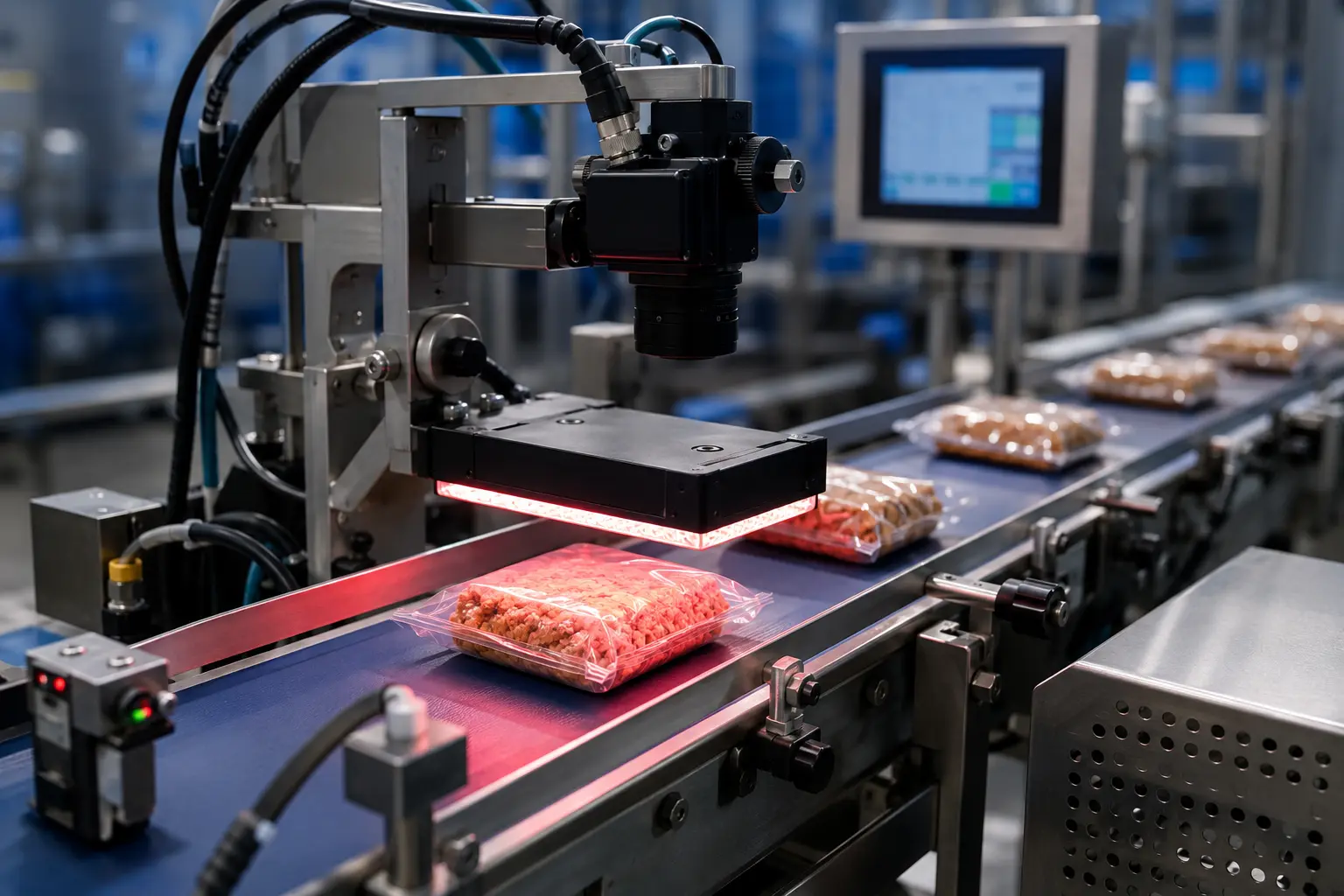
A code can be visible and still be wrong. Oxford Vision Systems configures inspection around the exact risk on your line: missing characters, an incorrect date, weak contrast, the wrong batch, displaced print or a code that cannot be reliably read.
Configure a targeted inspection or combine multiple checks in one vision station. Each solution is engineered around your substrate, printer, presentation and production speed.
Confirm the date is present, readable and correct for the active product recipe.
Explore best-before inspection 02Control safety-critical expiry information and reject packs with missing or invalid dates.
Explore use-by inspection 03Read and compare variable batch strings to protect traceability through every run.
Explore batch-code inspection 04Check lot identity against the job, PLC or database before product leaves the line.
Explore lot-code verification 05Detect blocked nozzles, smudging, low contrast, missing characters and displaced print.
Inspect inkjet codes 06Verify permanent marks across glass, plastic, board and foil under controlled illumination.
Inspect laser codes 07Check variable print on flexible film, labels and pouches before the pack moves downstream.
Inspect thermal-transfer print 08Read unknown character strings and compare captured results with the expected data.
Understand OCR inspection 09Verify printed characters against a known value or taught reference for fast, robust control.
Understand OCV verification 10Remove every non-conforming product with confirmed reject and locked-bin options.
Explore reject integrationA reliable result depends on more than the camera. Product handling, lighting, timing, inspection logic and reject confirmation are engineered as one coordinated system.
Guide and space each product so the printed area enters the inspection window consistently.
Trigger the camera and controlled light to freeze the code at production speed.
Read or compare the code against the recipe, date logic or external production data.
Pass conforming packs, reject failures and record the result for traceability.

The inspection system tracks the failed product from camera to reject point, activates the correct device and—where the risk assessment requires it—confirms that the pack entered a secure reject container.
Variable-code requirements differ by sector, pack and process. We adapt the optics, software and reject strategy to the consequence of a coding error.
Best-before and use-by control across packs, trays, pouches, jars, bottles and sleeves.
Traceability-ledBatch, lot and expiry verification with controlled records and secure failed-pack handling.
Brand protectionInspect discreet codes on cartons, labels, tubes, jars and premium finished surfaces.
Industrial traceabilityMatch lot, batch and date information with the correct product, label or production order.
A practical inspection may need to verify the manufacturing date, packaging identity, encoded 2D data or camera architecture as well as the visible expiry or batch string.
Verify MFG, production and packed-on dates, including Julian codes and shelf-life relationships.
Inspect production dates 02Evaluate AI-assisted recognition for variable fonts, curved packs and difficult low-contrast print.
Compare AI OCR methods 03Validate encoded product, date, batch, lot and serial data and cross-check visible text.
Inspect 1D and 2D codes 04Confirm that the correct packaging and variable code are on the right product.
Control packaging identity 05Specify smart-camera, reader or multi-camera systems around your code, speed and reject risk.
Choose a camera systemUse these practical guides to define what the code must prove, how products will be presented and what should happen when a check fails.
Early trials with real products and print samples help establish the correct optics, lighting and pass/fail tolerance.
Often, yes. If all markings are visible within a suitable field of view, one image can support OCR or OCV checks alongside 1D or 2D code reading. Multiple cameras may be preferable when codes sit on different faces or pack orientation varies.
Yes. The camera, lens, lighting and image-processing tools are selected for the substrate and print method. Reflective foil, curved bottles, transparent film and low-contrast laser marks require different optical arrangements.
Yes. A read date can be compared with a fixed recipe value, a date calculated from the production date and shelf-life rules, a PLC value or information supplied from another database or line system.
The system can stop the line or track the product to an automatic reject device. Reject confirmation, full-bin detection and secure reject access can be included according to the line risk assessment.
In many cases, yes. We assess available space, product presentation, line speed, controls, guarding and reject requirements. A standalone frame or conveyor module can be supplied where the existing line does not offer a stable inspection area.
Inspection is the overall process of capturing and assessing the printed code. Verification is the decision step that compares the observed date, batch or lot value with the expected value, permitted format or taught reference.
Yes, when both fields are visible at suitable resolution. The system can apply separate rules to the expiry date, batch string and print quality before returning one pass or fail result.
Typical failures include no print, incomplete characters, weak contrast, an incorrect date, the wrong batch or lot, displaced print, an invalid format and a code that cannot be read reliably.
OCR or OCV is often the clearest choice for controlled formats. AI-assisted vision may be evaluated when fonts, pack presentation or print appearance vary too widely for a stable rule-based inspection. Representative trials determine the appropriate method.
We will review the application and recommend a practical route to inspect the code, manage changeovers and remove failed products.
Date-code inspection should answer three separate questions: was the code seen, was it interpreted reliably, and does the observed value match the authorised production job?
Identify the approved source for the date, batch and format. A camera reading the same incorrect value sent to a printer is not an independent check of the production rule. Describe how the job is approved and how the expected data reaches inspection.
Use OCR when the task needs a captured character string and OCV when it needs comparison with an expected message. Confirm the actual tool behaviour in a representative trial rather than assuming the method name proves suitability.
Keep an unreadable image separate from a readable but incorrect value. A shifted pack, missing print and a wrong batch can all require rejection, but distinct result categories make production investigation more useful. Review the print-quality checks against real acceptable variation.
Include the final old-job pack, the first new-job pack, a pause and a restarted printer in the agreed challenge. Confirm which job applies to products already between printing, inspection and rejection so a changeover cannot create ambiguous packs.
Test the decision together with product tracking and removal confirmation, including closely spaced failures. Retain the observed code, expected value, job reference and reject outcome where the agreed record scope requires them. The reject integration page explains the downstream part of the specification.